

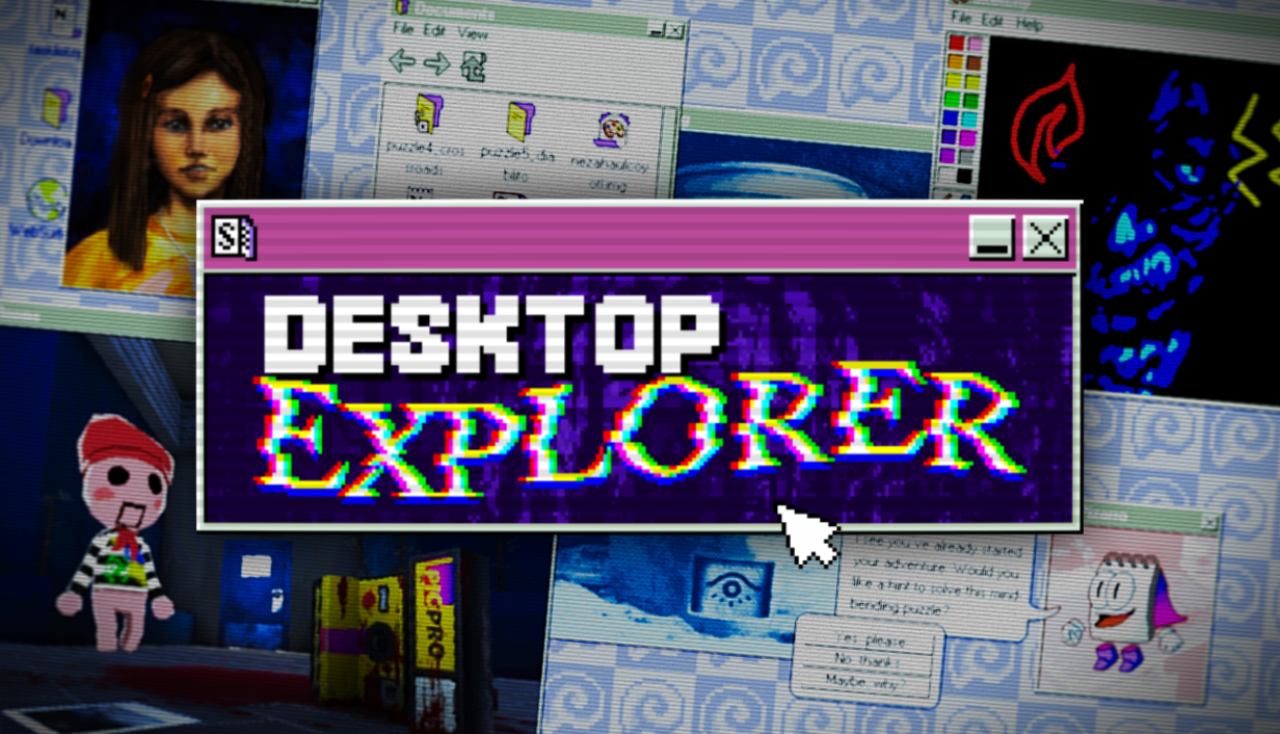
Desktop Explorer tells a convincing fakeOS-based cursed tale, even if its layered puzzles prove complicated more often than not.
Being a puzzle fan means engaging with self-doubt constantly. After all, it is in the nature of the genre to teach you the ropes. Once that foundation is set up, if a game is great, it disrupts it, tears it down, builds it back up, and turns it upside down. Desktop Explorer is one such game. It is normal for a puzzle to leave you scratching your head for a little while. If you pride yourself on thinking outside the box, the solution will come to you. If it doesn’t, you can come back tomorrow. But that fulfilling moment puzzle fans know all too well is served in spades here.
Never in my life had I ever needed to pull up a notebook and pen to solve a video game’s riddles. And they are not necessary, as Desktop Explorer is played through a fake operating system complete with a notepad and calculator. Even with those tools, I needed to tangibly write down what was happening on my screen. Every note, every clue, every solved puzzle brought me closer to solving the enshrouded mystery within this game. Teetering on the verge of frenzy, encountering the solution gave me brief moments of lucidity. And then it was time to go back to this web of intrigue.
Nostalgia Goggles: On
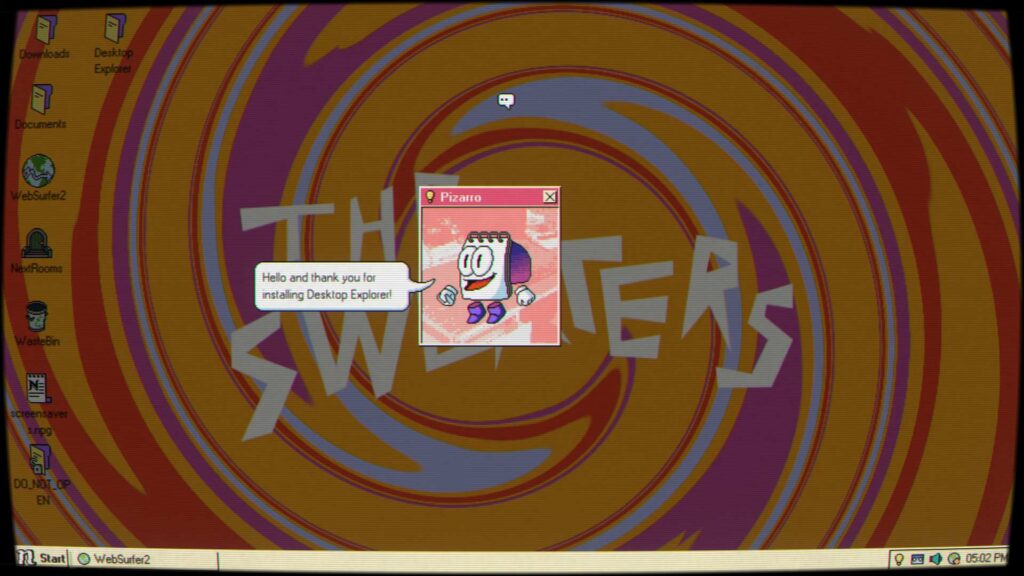
Desktop Explorer, as mentioned, is a fakeOS game, meaning you play logged in to a computer. In this case, an old 1995 PC from your late uncle. There are three users left on the system: h4libut, m4x1mum, and Admin. The game’s structure, in that sense at least, is straightforward. You start by logging into your uncle’s account—a fishing aficionado—and work yourself from there. Everything else is completely unconventional. This is mainly because a cursed program has infected this retro tech.
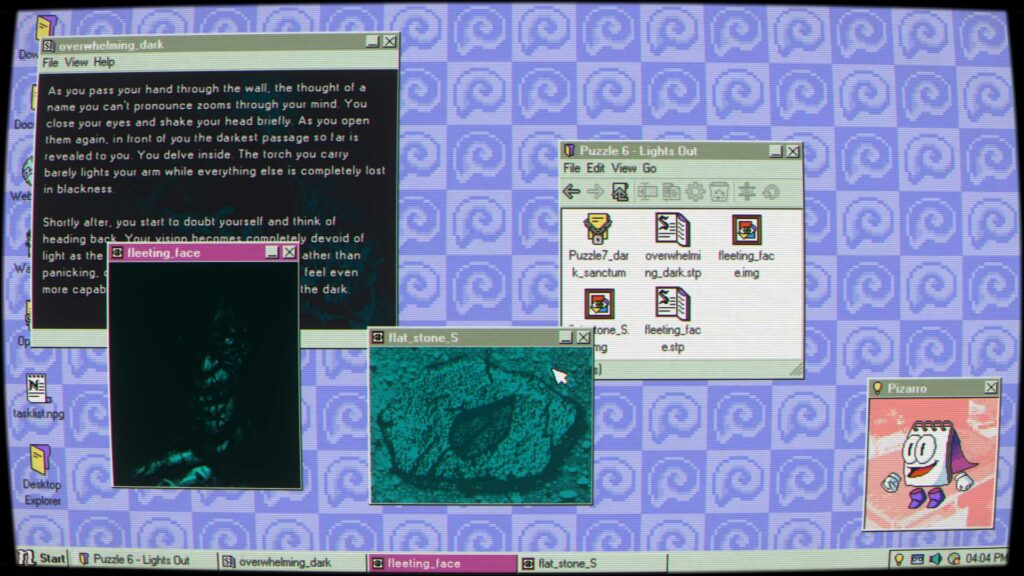
Just like the title of this game, Desktop Explorer is a very strange program that seems to have sentience. Aided by a Clippy-like companion called Pizarro, once this software is installed, your task is to find the corresponding password to unlock the next puzzle. How do these work? At the risk of entering spoiler territory, well, with every single element at your reach. Literally everything can be meaningful. The PC’s clock, a screensaver, compressing, renaming, or duplicating a file—everything is fair game.
If you pride yourself on being an innovative thinker, this will appeal to you. No two puzzles are the same, and just as entering a new user introduces new gameplay concepts, it also builds on your previous knowledge. Let’s say you found an image in the fourth folder of a larger puzzle called The Cave. In the next big riddle titled The Temple, going back to that image is something that could help. This is why I highlight that writing down anything that might seem of interest to you will pay off in the long term. A character’s favorite food? That might be useful. Write it down.
An Inherited Mystery
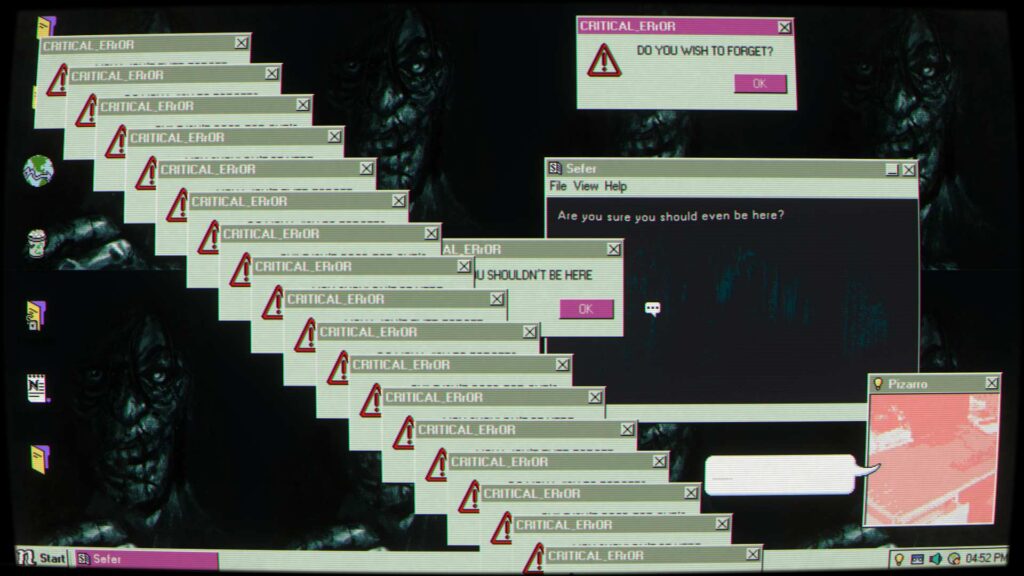
Nothing is off the table. Well, except jumpscares. Thankfully, there are no cheap scares to be wary of. Just as that is imbued in the game’s philosophy, so is a perpetual commitment to making it feel as eerie as can be. My recommendation is to play with headphones on and take breaks often. Puzzles tire the mind, and if there is something that you can count on here, it is that it *will* throw you a curveball when you least expect it. Heck, even when you think you are in a groove, the second chapter adds a Habbo Hotel-esque minigame. (That’s right, kids. Go Google that.)
Desktop Explorer works because it’s functioning at various levels. There’s the element of nostalgia. Every click, typing sound, and computer sound effect is straight-up authentic from that era. The narrative, which involves themes of grief, anxiety, and loss, is drip-fed in a measured way alongside the mind-bending puzzles. Reading intimate journal entries gives some respite from the relentless pursuit of knowledge. And of course, the star of the show, the riddles themselves. That said, some puzzles might be too complex even with Pizarro’s hints, in which case their Discord server is quite helpful. Evidently, there is no need to pressure yourself to get to the bottom of this game in one sitting.
Conclusion – Desktop Explorer
Savor the mystery, reflect on various perspectives, and push forward. If you ever sense frustration creeping in, take a load off. Even Pizarro reminds you to do so while giving cryptic—and somewhat helpful—hints. On the whole, piecing together the chronological order of how events unfolded gives an air of genius investigative work. Ultimately, getting to the bottom of Desktop Explorer and its devilish antics is absorbing to the point of obsession. And worth every second of your time once it clicks.
Reviewed for Steam. Also available on Mac.
A key was provided for the purposes of this review.
Developer: Recurring Dream
Publisher: Recurring Dream, Outersloth, indienova
Release Date: July 17, 2026
Pros
- Musical motif is applied smartly
- Writing is natural and era-appropriate
- Nothing is off the table to find the answer
- Authentic illusion of using an old-school PC
- Incredibly inventive puzzles are a joy to solve
Cons
- Minor issues fixed with restarting the game
- Even with the hints from legally distinct Clippy, some puzzles may prove too difficult
-
Great
